

A white label LMS can support accessibility when it is designed and configured to make online learning usable for people with different abilities. Accessibility is not simply about adding a few features. It involves the entire learning experience, including navigation, videos, documents, assessments, mobile access, and communication.
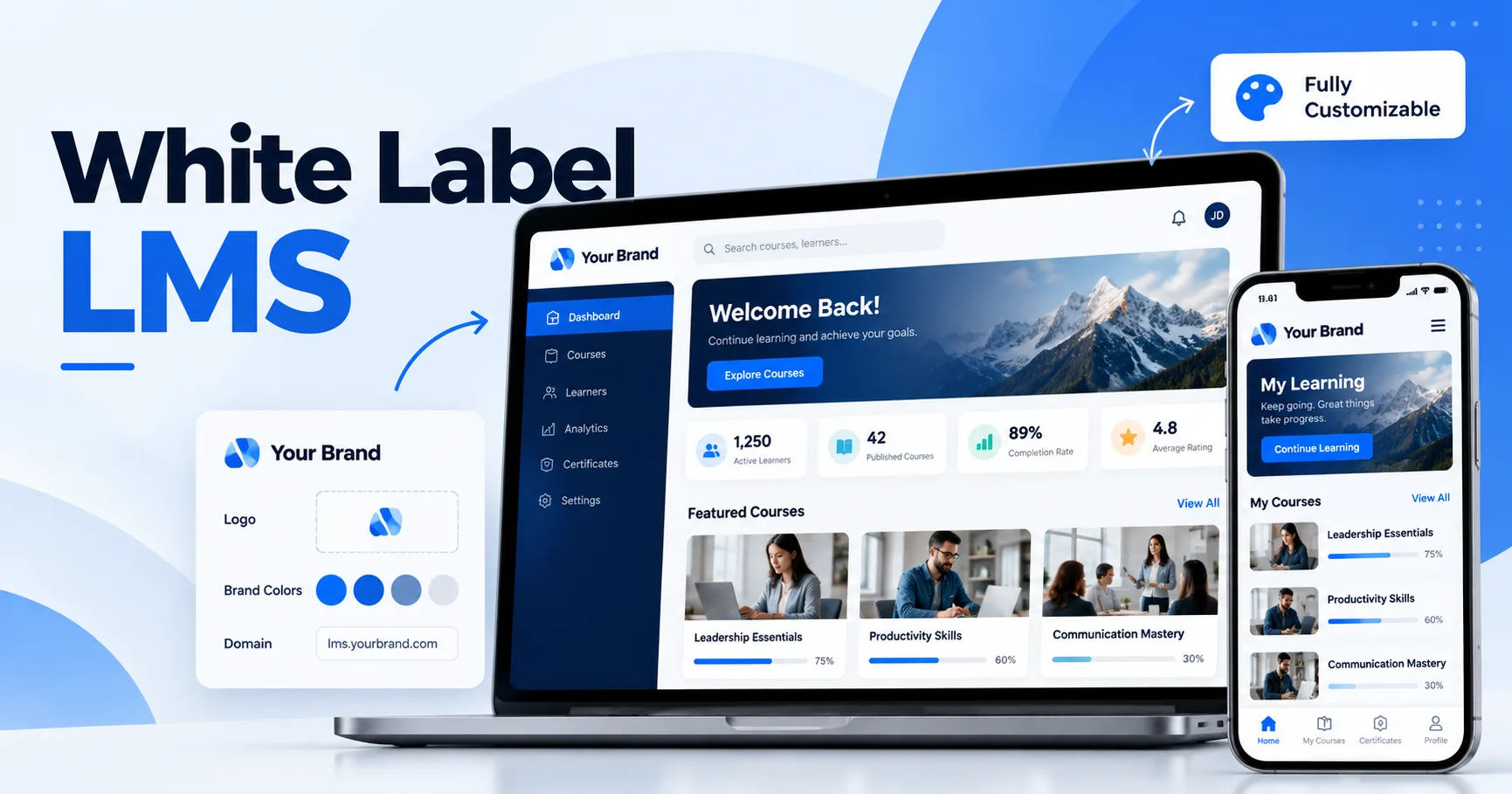
For schools, universities, training companies, and businesses, accessibility is an important part of creating an inclusive learning environment. Students may have visual, hearing, mobility, cognitive, or learning-related needs. A well-designed learning management system can reduce barriers and allow more learners to participate independently.
What Does Accessibility Mean in Online Learning?
Accessibility means designing digital content and technology so that people with disabilities can use them effectively. In an online learning environment, this includes both the platform itself and the educational materials delivered through it.
For example, a learner with limited vision may use a screen reader to navigate lessons. A student who is deaf or hard of hearing may depend on captions when watching instructional videos. Someone with limited mobility may need to navigate the platform entirely with a keyboard.
Accessibility therefore needs to be considered at multiple levels.
Accessible Platform Design
The LMS interface should have clear navigation, readable text, appropriate color contrast, descriptive labels, and logical page structures. Buttons and menus should be easy to identify and operate.
A cluttered interface can create difficulties for many learners, particularly those who use assistive technologies.
Accessible Learning Materials
Even when the platform is accessible, the content may not be. A PDF containing scanned images of text, for example, can be difficult for screen readers to interpret.
Teachers and course creators should consider accessibility when producing presentations, worksheets, videos, quizzes, and other learning resources.
How Can a White Label LMS Improve Accessibility?
A white label LMS can provide accessibility tools while allowing an organization to maintain its own branding and learning environment. Instead of directing students to a generic third-party platform, an organization can offer courses through a customized system.
The exact accessibility features depend on the LMS provider and its configuration, so organizations should examine accessibility documentation and test the platform before deployment.
Keyboard Navigation
Keyboard accessibility is an important feature for learners who cannot comfortably use a mouse.
A learner should be able to move through menus, links, buttons, forms, and interactive elements using keyboard controls. The focus indicator should also be visible so users can understand where they are on the page.
If an important function can only be accessed by clicking with a mouse, some learners may be unable to use it.
Screen Reader Compatibility
Screen readers convert digital content into speech or other accessible formats. They are commonly used by people with visual disabilities.
A properly structured LMS can make it easier for screen readers to identify headings, navigation areas, buttons, forms, and other elements.
Course creators also have a role to play. Images should have meaningful alternative text when necessary, while decorative images should not create unnecessary noise for screen-reader users.
Captions and Transcripts
Video is now a major part of online education. However, video without captions can exclude learners who are deaf or hard of hearing.
Captions provide a text version of spoken dialogue and may also communicate important sounds.
Transcripts can provide another useful format. They allow learners to read the complete spoken content and can also make it easier to search educational material.
Accessibility for Different Types of Learners
One of the advantages of an accessible learning platform is that it can serve people with different needs without requiring a completely separate learning system.
Learners With Visual Disabilities
Visual accessibility can involve several elements, including:
- Screen-reader support
- Alternative text for meaningful images
- Strong color contrast
- Resizable text
- Logical heading structures
- Clear navigation
- Accessible forms
Text should not be communicated through color alone. For example, instructions that say "click the green button" may create difficulties for someone who cannot distinguish that color.
Learners With Hearing Disabilities
For learners with hearing disabilities, multimedia content should provide alternatives to audio.
Captions and transcripts can make video lessons more accessible. If an instructor provides important information only through spoken audio, learners without access to that audio may miss essential parts of the lesson.
Learners With Mobility Disabilities
Some learners may have difficulty using a mouse, touchscreen, or other pointing device.
Keyboard navigation and appropriately sized interactive controls can make the platform easier to use. Forms and assessments should also be designed so that users can move between fields without confusion.
Learners With Cognitive or Learning Differences
Accessibility also includes cognitive considerations.
Clear instructions, consistent navigation, readable layouts, predictable controls, and appropriately divided content can reduce unnecessary mental effort.
Long pages filled with complicated instructions can be difficult to process. Breaking lessons into logical sections may create a more comfortable learning experience.
The Importance of WCAG
The Web Content Accessibility Guidelines, commonly known as WCAG, provide widely used guidance for making web content more accessible.
WCAG organizes accessibility around four principles. Content should be perceivable, operable, understandable, and robust.
These principles provide a useful framework when evaluating an LMS.
Perceivable
Learners should be able to access information through appropriate sensory formats. Captions, transcripts, alternative text, and sufficient contrast can contribute to this goal.
Operable
Users should be able to operate the interface. Keyboard accessibility is particularly important here.
Understandable
Navigation and instructions should be predictable and clear. Users should understand what actions are required and what happens when they interact with the system.
Robust
Content should work reliably with different browsers, technologies, and assistive tools where applicable.
An organization considering a white label LMS should ask the provider about its accessibility approach and whether the platform has been tested against relevant accessibility standards.
Making Course Content Accessible
An accessible LMS cannot automatically make every course accessible. Content creators need to follow good practices when developing educational resources.
Use Clear Headings
Headings help learners understand how information is organized. They also help screen-reader users navigate long documents.
A logical hierarchy is better than simply making text larger or bold.
Add Alternative Text
Meaningful images should have useful alternative text that explains their purpose or relevant information.
For example, an educational diagram may need a description that communicates the information shown in the image.
However, not every image requires a lengthy description. Decorative images can often be handled differently so they do not distract assistive technology users.
Create Accessible Documents
Word documents, presentations, spreadsheets, and PDFs should be checked before uploading them to an LMS.
Important considerations include document structure, headings, readable text, sufficient contrast, meaningful links, and alternative text for relevant images.
Accessible Video and Audio
Video can make online education engaging, but accessibility should be included from the beginning rather than added as an afterthought.
Instructors should consider captions, transcripts, audio descriptions where appropriate, and clear visual presentation.
Accurate Captions Matter
Automatic captioning can save time, but automated captions may contain errors. Names, technical terms, accents, and specialized vocabulary can be particularly challenging.
For important educational content, captions should be reviewed and corrected.
Audio Descriptions
Some videos communicate important information visually without explaining it verbally. In such cases, audio descriptions or an alternative text-based explanation may help learners who cannot see the visual information.
Accessible Assessments
Assessments are another important part of accessibility.
Quizzes, examinations, assignments, and interactive activities should be usable with assistive technologies. Instructions should be clear, and learners should have enough information to understand how to complete the assessment.
Forms should have properly associated labels. Error messages should clearly explain what went wrong and how to correct it.
An accessible assessment measures a learner's knowledge rather than unnecessarily measuring their ability to overcome a poorly designed interface.
Mobile Accessibility
Many students access courses through smartphones and tablets. Therefore, accessibility should not be limited to desktop computers.
A responsive white label LMS should provide a consistent experience across different screen sizes where supported by the platform.
Buttons should be easy to activate, text should remain readable, and important functions should not disappear on smaller screens.
Mobile users may also depend on built-in accessibility tools provided by their devices. Compatibility with these features can improve the overall experience.
Benefits for Organizations
Accessibility is not only about meeting the needs of learners with disabilities. It can improve the learning experience for a wider audience.
Better User Experience
Clear navigation, readable text, captions, and organized content can benefit many learners.
For example, captions are useful not only for people who are deaf or hard of hearing. A student studying in a noisy environment may also prefer reading captions.
Wider Audience Reach
An accessible platform can help organizations serve a broader range of learners.
This can be particularly valuable for educational institutions, corporate training providers, professional certification companies, and organizations offering public courses.
More Flexible Learning
Accessibility features can give learners multiple ways to interact with educational material.
Someone may prefer reading a transcript instead of watching a video. Another learner may increase text size or use keyboard navigation. Providing different accessible formats can support different learning circumstances.
Choosing an Accessible White Label LMS
Organizations should evaluate accessibility before selecting a platform.
Instead of relying only on a provider's marketing claims, request demonstrations and test important workflows.
Ask About Accessibility Standards
Ask the vendor which accessibility standards its platform follows and what documentation it can provide.
It is also useful to understand whether accessibility applies to the core platform only or includes specific components such as assessments, video players, mobile interfaces, and administrative tools.
Test With Assistive Technologies
Testing can reveal issues that may not appear during a normal demonstration.
Organizations can evaluate keyboard navigation, screen-reader compatibility, zoom functionality, captions, forms, and interactive course elements.
Testing with people who actually use assistive technologies can provide especially valuable feedback.
Examine Customization Options
White-label customization can involve logos, colors, fonts, layouts, navigation, and other interface elements.
However, customization should not reduce accessibility.
For example, an organization may choose brand colors that do not provide enough contrast. A platform should allow branding while still maintaining accessible design practices.
Accessibility and Content Management
A white label LMS can make accessibility easier to manage when it provides centralized content controls.
Administrators can establish guidelines for instructors and course creators. Templates can also encourage consistent formatting.
Organizations can create internal accessibility policies covering videos, documents, images, assessments, and course navigation.
Regular reviews are important because accessibility is an ongoing process rather than a one-time task.
Common Accessibility Mistakes
Some problems occur repeatedly in online courses.
One common mistake is uploading videos without captions. Another is using images that contain important information without providing an accessible alternative.
Poor color contrast is another frequent problem.
Some organizations also focus heavily on the LMS interface while ignoring the accessibility of the actual course content.
A platform can provide excellent accessibility features, but those features cannot compensate for inaccessible materials.
How to Build an Accessibility Strategy
Organizations can take a practical approach by reviewing the entire learning journey.
Start with registration and login. Then examine course navigation, lessons, multimedia, assessments, certificates, communication, and support.
Ask whether a learner can complete each stage independently using the accessibility tools available to them.
Accessibility testing should happen before launch and periodically afterward.
Feedback from learners is also valuable. Real users may identify barriers that automated testing does not detect.
The Role of Instructors and Administrators
Technology alone does not create an accessible learning environment.
Instructors should learn how to create accessible materials. Administrators should establish clear standards and provide appropriate training.
Course teams can use accessibility checklists before publishing new lessons.
Simple practices, such as adding captions and using structured headings, can make a significant difference.
Future of Accessibility in Online Learning
As online learning continues to develop, accessibility is likely to become increasingly integrated into educational technology.
AI-assisted tools can help with tasks such as transcription, caption generation, translation, and content checking. However, automated tools should be reviewed by humans because generated content can contain mistakes.
Accessibility should remain a design principle rather than an optional feature.
Organizations that build accessibility into their course development process can create more consistent experiences as their digital learning programs grow.
Conclusion
A white label LMS can support accessibility when accessibility is considered across the platform, content, assessments, multimedia, mobile experience, and administrative processes. Features such as keyboard navigation, screen-reader compatibility, captions, transcripts, clear layouts, accessible forms, and appropriate color contrast can help reduce barriers for learners.
However, choosing an accessible platform is only one part of the process. Course creators must also produce accessible documents, videos, images, quizzes, and other materials. Organizations should test the complete learning experience rather than assuming that accessibility is guaranteed by a vendor's claims.
The most practical approach is to treat accessibility as an ongoing responsibility. Start with recognized accessibility guidelines, evaluate the platform, test it with assistive technologies, train instructors, gather learner feedback, and regularly review course materials.
When accessibility is included from the beginning, online education can become easier to navigate and more flexible for a broader range of learners. A well-configured white label LMS can provide the technological foundation, while thoughtful course design and continuous testing help turn that foundation into a genuinely accessible learning experience.