

Legacy software is still a major part of many businesses. A company may have an older accounting system, customer database, warehouse application, desktop program, or industry-specific platform that has been running for years. Replacing it can be expensive, risky, and disruptive. Yet businesses still need their older systems to communicate with newer applications and automation tools.
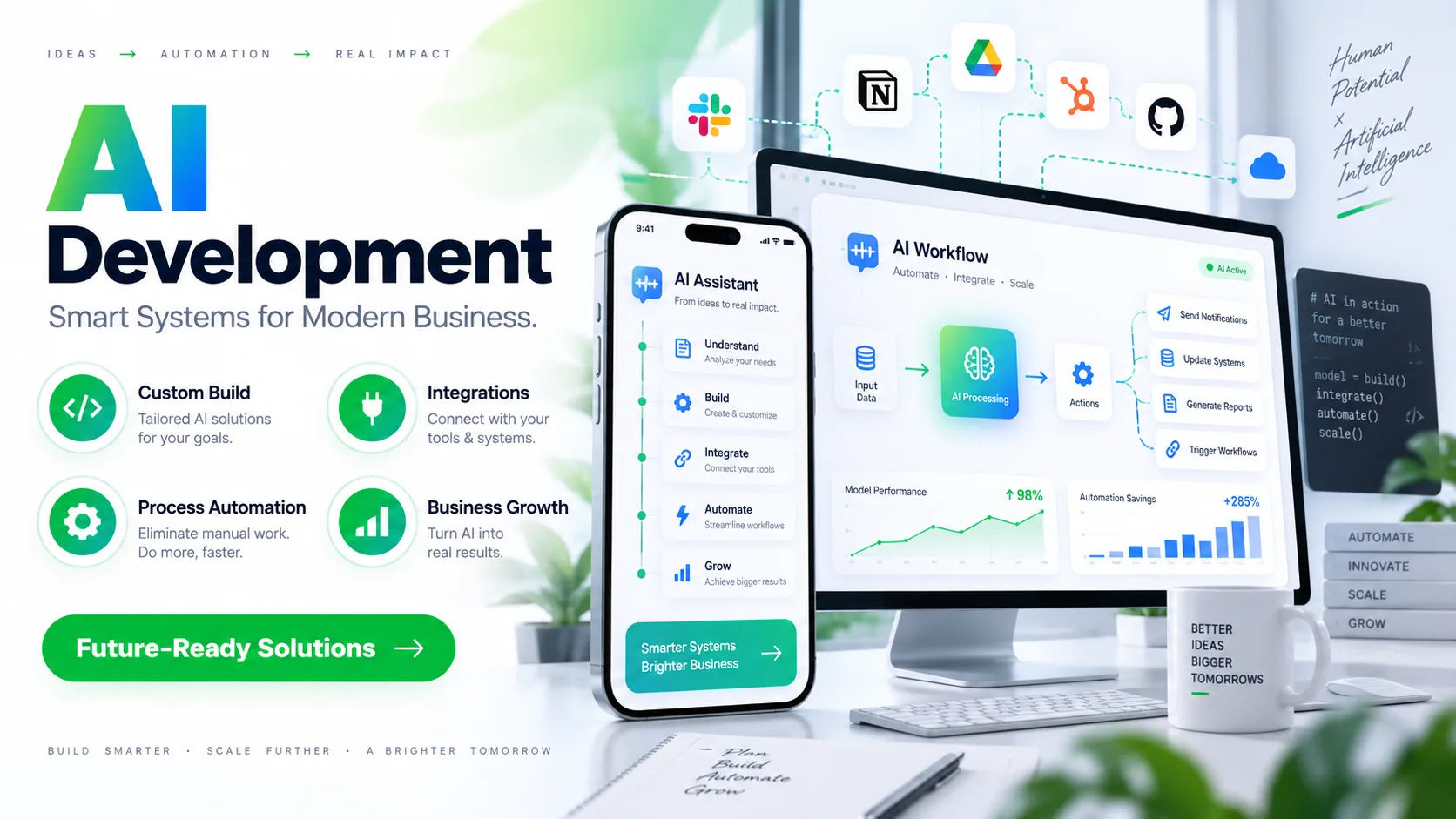
This is where an ai automation agency can play an important role. Instead of forcing a business to abandon software that still works, an agency can often build connections between legacy systems and modern platforms. The approach depends on how the old software stores data, how it accepts information, and what integration options are available.
The important point is that legacy software does not automatically mean unusable software. With the right technical approach, an older application can sometimes become part of a modern automated workflow without requiring a complete replacement.
What Is Legacy Software?
Legacy software is generally an older application or system that a business still depends on, even though newer technologies are available.
It might be several years or even decades old. Some legacy applications were built using technologies that are no longer common among developers. Others may run on old operating systems, local servers, proprietary databases, or internal networks.
A system can also be considered legacy because its vendor no longer provides modern integration features.
For example, an accounting program may still perform calculations perfectly but have no REST API. A warehouse application may manage inventory accurately but only allow information to be exported as CSV files.
That does not necessarily make the system useless.
In many cases, the business has years of historical data, established processes, employee knowledge, and operational dependencies tied to the software. Replacing everything simply to gain automation may not make financial or operational sense.
Can an AI Automation Agency Connect Legacy Software?
Yes, an ai automation agency can often connect legacy software to modern applications and automated workflows.
However, the exact method depends on the legacy system.
Modern applications commonly provide APIs, webhooks, SDKs, and other integration tools. Older software may not offer any of these. In those situations, integration requires a different strategy.
An agency might use database connections, file transfers, middleware, desktop automation, RPA, custom scripts, or an integration gateway.
The goal is usually not to make the old system modern internally.
Instead, the goal is to create a reliable bridge between the old system and the newer technology surrounding it.
For example, a business might keep its old inventory application while connecting it to a modern e-commerce platform. When an order arrives online, automation can transfer the required information into the legacy system. Inventory updates can then be collected and sent back to the online store.
The older application continues doing what it already does well while automation handles the communication around it.
How Legacy Software Integration Works
Connecting an old system is usually a process rather than a single integration task.
First, the Existing System Is Examined
Before writing any integration code, the technical structure of the legacy application needs to be understood.
An ai automation agency may examine databases, file formats, available interfaces, network access, authentication methods, and existing software documentation.
The agency also needs to understand how employees currently use the system.
A technically possible connection is not automatically a useful connection. The integration needs to fit the real business process.
The Available Connection Method Is Identified
The next step is determining how information can enter and leave the legacy application.
If an API exists, that may be the cleanest option.
If there is no API, other possibilities may include direct database access, scheduled file exchange, email processing, RPA, command-line utilities, or a custom connector.
Some older applications also provide proprietary interfaces that require specialized knowledge.
The integration strategy should be selected based on reliability and maintainability, not simply whichever method is quickest to build.
A Middleware Layer May Be Added
Middleware can act as a translator between old and new systems.
Suppose a modern CRM sends customer information in JSON while a legacy application expects a fixed-format text file.
Middleware can receive the modern data, transform it into the required format, and deliver it to the older system.
The reverse process can happen when information comes back.
This approach creates separation between the systems. If one application changes later, the entire automation architecture does not necessarily have to be rebuilt.
Common Ways to Connect Legacy Software
There is no single integration method that works for every older application.
API Integration
Some legacy applications have APIs even if they are not built using the latest technology.
If an API is available and sufficiently reliable, it can provide a direct way for other applications to exchange information.
The agency can create workflows that send and retrieve data through the available endpoints.
API integration is generally easier to maintain than methods that imitate human interaction with the software.
Database Integration
Some older systems store their information in accessible databases.
An ai automation agency may be able to connect to the database and retrieve specific information.
For example, an automated workflow could read customer records from an existing database and transfer selected information to a modern CRM.
However, direct database integration needs to be handled carefully.
Writing directly into a legacy database can be dangerous if the software expects certain rules, relationships, or procedures to be followed. In some situations, reading data may be safer than directly modifying it.
File-Based Integration
File exchange is one of the simplest ways to connect certain older systems.
A legacy application may export CSV, XML, TXT, Excel, or other files on a schedule.
Automation can monitor a folder, process new files, validate their contents, and send the information to another system.
The reverse can also work.
A modern platform can generate a file in the format expected by the legacy application.
This approach may not look sophisticated, but it can be extremely practical when dealing with older technology.
Robotic Process Automation
RPA can interact with software through its existing user interface.
This is particularly useful when the legacy application has no API, no suitable database access, and no practical file interface.
An automation bot can open the application, enter information into fields, click buttons, retrieve records, and perform repetitive tasks.
This approach essentially mimics what an employee does.
However, it should not be treated as a perfect solution. Interface changes can break RPA workflows, and poorly designed automation can become difficult to maintain.
Custom Connectors
Some legacy applications require custom integration work.
A custom connector can translate information between the older platform and newer applications.
This may involve custom code, data transformation, authentication handling, scheduling, validation, and error management.
For specialized business systems, this can be more appropriate than trying to force the software into a standard integration pattern.
Where AI Fits Into Legacy Integration
AI does not necessarily connect to legacy software directly.
Instead, AI can become one component inside a larger automation architecture.
For example, imagine a company receiving purchase orders through email.
The legacy accounting system may not understand modern documents automatically. An automation workflow can receive the email, extract information from the purchase order, validate important fields, and convert the information into the format required by the older system.
AI can help interpret unstructured information.
The integration layer then handles the technical communication.
This distinction is important because AI and integration solve different problems.
AI can help understand information, classify documents, summarize content, or extract fields. Integration technology moves that information between systems.
Combining the two can create a much more useful workflow.
Examples of Legacy Software Automation
Connecting an Old Accounting System to a CRM
A company might have an older accounting application and a modern CRM.
When a new customer is approved in the CRM, automation could create the corresponding customer record in the accounting system.
Payment information or invoice status could then be transferred back into the CRM.
Employees would not need to enter the same information manually into both applications.
Connecting an Old Inventory System to an Online Store
An e-commerce business may use a modern online storefront but rely on an older inventory application.
Automation can transfer order information from the online store to the inventory system.
The legacy software can continue controlling stock records while automation sends updated availability information to the website.
This can reduce duplicate data entry without requiring an immediate inventory-system replacement.
Automating Documents Into a Legacy Database
A company might receive invoices, applications, contracts, or forms in different formats.
AI can extract important information from these documents.
The automation workflow can then validate the information and send structured records into the existing database.
This is particularly useful when employees previously had to read documents and manually type information into an old application.
What Problems Can Occur?
Legacy integration can be highly useful, but it is not always straightforward.
Poor Documentation
Older systems may have incomplete or outdated documentation.
The original developers may no longer be available.
An agency may therefore need to inspect the system, database structure, files, and existing workflows before determining the safest integration method.
Unsupported Technology
Some legacy applications depend on outdated operating systems or proprietary technologies.
That can make integration more complicated.
The solution may require a separate server, virtual machine, gateway, or controlled environment that allows the older application to continue operating safely.
Data Quality Issues
Automation does not automatically fix bad data.
If a legacy database contains duplicate customer records, inconsistent addresses, missing fields, or outdated product codes, those problems can move into the new system.
An ai automation agency should therefore consider data validation and normalization as part of the integration project.
Security Risks
Older systems may not have the security features expected from modern software.
Connecting them to external services can introduce additional risk if the architecture is poorly designed.
Access should be limited to what the workflow actually requires.
Authentication credentials should also be protected, and sensitive information should not be unnecessarily exposed.
System Changes
A legacy application may change unexpectedly after an update.
Even a small interface change can affect RPA.
A changed file format can break an import process.
A database modification can cause a custom integration to fail.
This is why monitoring and maintenance are important.
How to Approach a Legacy Integration Project
A sensible project begins with discovery rather than automation.
The business should identify which processes actually need improvement.
Not every part of an old system needs to be connected.
The next step is documenting the data that must move between applications.
For each workflow, determine where the information starts, what transformations are needed, where it goes, and what should happen if something fails.
An ai automation agency can then evaluate the available integration methods and design an architecture around those requirements.
Testing should happen before the workflow is introduced into critical operations.
A test environment or limited rollout can reveal unexpected problems without putting the entire business process at risk.
Monitoring should also be included from the beginning.
A successful automation system should not silently fail.
Businesses need useful alerts, logs, error handling, and a way for employees to review exceptions.
Should You Replace Legacy Software Instead?
Not necessarily.
Software replacement and integration are two different decisions.
Replacement may make sense when the existing system is becoming unreliable, unsupported, insecure, or too restrictive for the business.
But replacement can be expensive and disruptive.
Integration may be more practical when the legacy system still performs an important job correctly and only lacks modern connectivity.
In some cases, integration can also serve as a temporary bridge.
A business can continue using the old platform while gradually moving selected functions to newer systems.
This can reduce the pressure to replace everything at once.
Questions to Ask an Automation Agency
Before starting a project, businesses should ask how the legacy application will actually be connected.
Ask whether the agency has identified an API, database, file interface, RPA option, or another suitable method.
It is also useful to ask how failures will be handled.
What happens if the legacy application is offline?
What happens if a file is incomplete?
What happens if AI extracts incorrect information?
These questions matter because real-world automation needs more than a successful demonstration.
Businesses should also ask about monitoring, security, documentation, maintenance, and future system changes.
A reliable integration should be understandable and maintainable after the original project is completed.
Benefits of Connecting Legacy Software
Connecting an older system to modern automation can provide several practical benefits.
The business can reduce repetitive data entry while keeping existing applications in operation.
Employees can spend less time moving information between systems.
Data can become available in newer platforms without forcing an immediate software replacement.
Businesses may also improve response times because information can move automatically instead of waiting for someone to perform a manual transfer.
Another benefit is gradual modernization.
Rather than treating modernization as one enormous project, a company can improve individual workflows over time.
That can make technological change easier to manage.
Conclusion
Yes, an ai automation agency can often connect legacy software to modern applications and automated workflows. The key is understanding that there is no universal connector for every older system. The appropriate solution depends on the application's architecture, available interfaces, database structure, file formats, security requirements, and business processes.
APIs can provide direct communication when available. Database connections can provide access to structured information. File-based workflows can work surprisingly well for older applications. RPA can help when software only exposes information through a user interface, while custom connectors and middleware can bridge more complicated environments.
AI can add another layer of capability by interpreting documents, extracting information, classifying records, and handling unstructured data. The integration layer then moves that structured information into the appropriate legacy or modern system.
The most important consideration is reliability. A technically impressive automation that fails whenever an old application changes is not a successful long-term solution. Good architecture includes validation, error handling, monitoring, security, documentation, and human review where necessary.
For many businesses, modernization does not have to mean throwing away everything that already works. An ai automation agency can help create a bridge between established software and newer technologies, allowing the business to improve efficiency while continuing to use valuable legacy systems. In the right circumstances, that approach can provide a practical path toward gradual digital modernization rather than an expensive all-at-once replacement.