
Television has changed considerably over the last few years. Instead of depending only on traditional cable connections, satellite dishes, or terrestrial broadcasts, viewers can now watch television content through an internet connection. This technology is generally known as Internet Protocol Television, or IPTV.B1G IPTV works within this broader streaming model. Instead of sending television signals through a conventional cable or satellite connection, an IPTV service delivers streams through the internet. 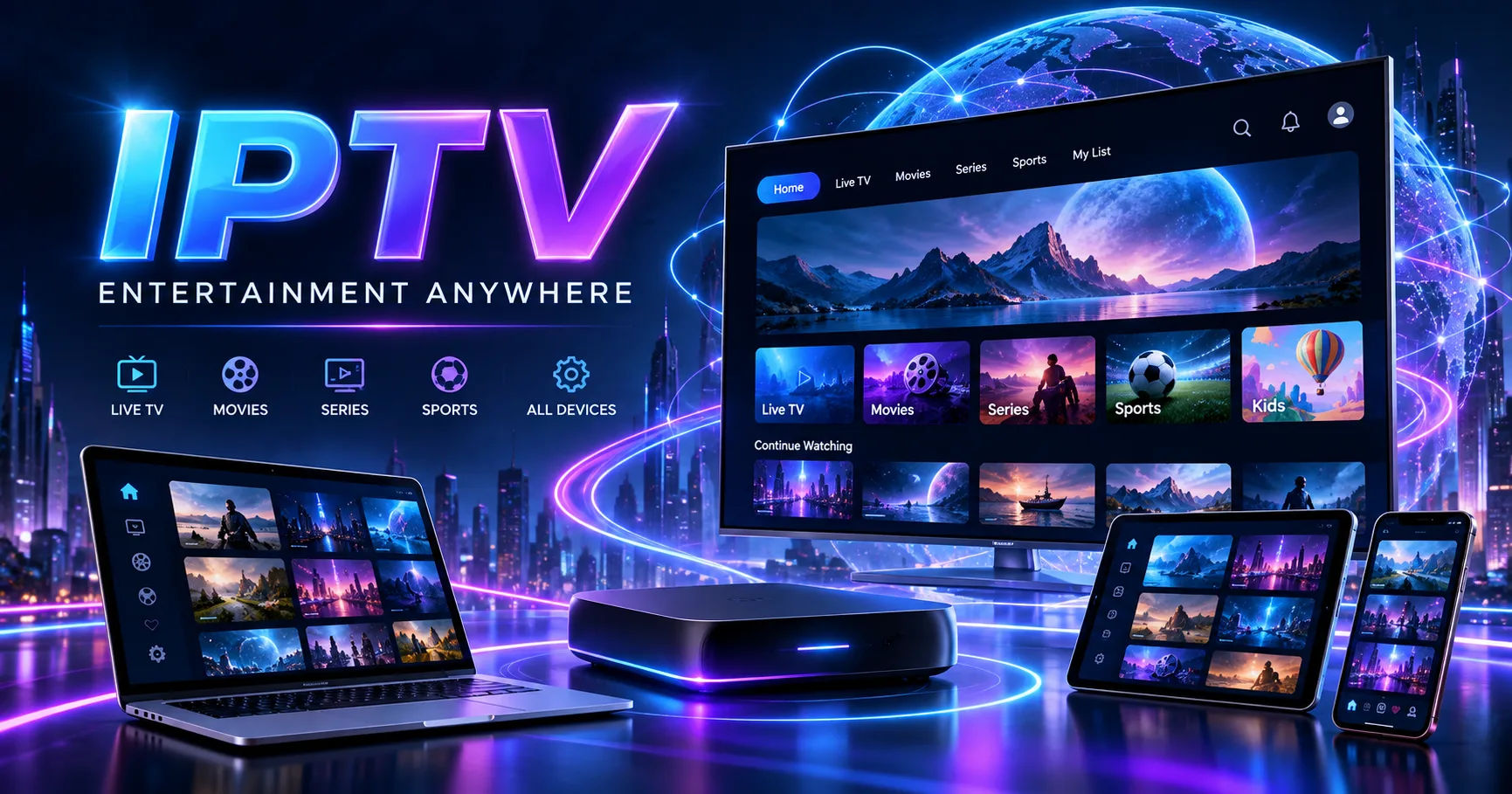 Depending on the provider and package, those streams may include live television, movies, series, sports, news, and other forms of on-demand content.
The basic idea is fairly simple. You need an internet-connected device, an IPTV application or compatible player, and valid subscription or playlist details. Once those elements are connected, the player communicates with the IPTV service and retrieves the available content.
It is worth understanding that IPTV itself is a delivery technology, not automatically a guarantee that every channel or piece of content is legally licensed. The legality of particular services and content depends on the provider, rights held for the programming, and the laws applicable in the viewer's location.
What Is B1G IPTV?
The name B1G IPTV can describe an IPTV subscription service, while “B1G Player” may refer to a separate application used to display IPTV content. This distinction is important because a player and a content provider are not necessarily the same thing.
A player is essentially the software interface. It can receive playlist information or login credentials and organize the available streams into categories that are easier to browse.
A subscription service, on the other hand, provides access credentials or playlist information that point the player toward available streams. Some B1G-related services describe their subscriptions as providing usernames, passwords, server addresses, and M3U or Xtream-style access.
That means a viewer should not automatically assume that installing an IPTV player gives access to television channels. The player and the content source are separate components.
The Basic Process Behind B1G IPTV
The easiest way to understand how B1G IPTV works is to follow the journey from the service provider to your screen.
First, the IPTV provider maintains or accesses streaming sources. These sources contain television channels or on-demand video streams.
The provider makes those streams available through a server or distribution system. Your subscription gives your device permission to request the available content.
You then enter the supplied login information, playlist URL, or another supported access method into an IPTV-compatible application.
The application communicates with the server over your internet connection. It receives information about available channels and content and presents that information through its interface.
When you select a channel, the player requests the corresponding stream. Data is then transferred continuously to your device while you watch.
This is different from downloading an entire television program before watching it. Streaming generally delivers the required media data progressively, allowing playback to begin while additional data continues arriving.
How the Login System Works
One of the most important parts of an IPTV service is the account or access line.
A typical setup may provide a username, password, and server address. Some services also provide an M3U playlist or another access method. B1G-related setup information published online describes both Xtream-style credentials and M3U links as possible ways of loading IPTV content.
Think of these details as instructions that tell the IPTV application where to connect and which account it should use.
After entering the information correctly, the application contacts the relevant server.
The server checks the credentials. If the account is active and permitted to connect, it returns the available content information.
The player can then organize that information into sections such as live television, movies, series, or other categories, depending on what the service supplies.
This is why entering a username and password into an IPTV player does not itself create television channels. The account must connect to a source that actually provides the streams.
What Is an M3U Playlist?
M3U is another term that frequently appears when discussing IPTV.
An M3U playlist is essentially a structured list of media locations. Rather than manually entering individual channel addresses, a compatible IPTV player can load the playlist and organize the streams contained within it.
For the viewer, this makes the experience much easier.
Instead of seeing a long collection of technical addresses, the player may display channel names, categories, logos, program information, and other metadata when those details are supplied.
The exact appearance depends on the IPTV application.
Some services provide M3U access directly, while others encourage users to log in through an API-based method such as Xtream Codes. The supported method can also depend on the particular player and device.
How Live TV Streaming Works
When you select a live channel, the IPTV player does not receive the television signal through a traditional antenna or satellite dish.
Instead, the device requests a stream through the internet.
The streaming server sends packets of media data to your device. Your player temporarily stores some of that data in a buffer and decodes it so that the video and audio can be displayed.
This process happens continuously while you watch.
If the connection remains stable and the server responds consistently, playback can appear almost like conventional television.
However, internet streaming has additional variables. Your home network, Wi-Fi signal, internet service, device performance, server capacity, and video bitrate can all affect playback.
This explains why two people using the same IPTV service can sometimes experience different results.
How Movies and Series Work
Live television is only one possible part of an IPTV service.
Some IPTV subscriptions also provide video-on-demand, commonly called VOD. Instead of selecting a channel that is broadcasting something at that moment, you choose a movie or television episode from a library.
The player sends a request for the selected title.
The server then begins sending the corresponding video stream to your device.
The experience resembles other internet streaming platforms because you can normally start playback when you choose rather than waiting for a scheduled broadcast.
However, the actual availability of movies, series, subtitles, languages, resolutions, and playback features depends on the service and the content sources it provides.
What Role Does the IPTV Player Have?
The IPTV player is the part you interact with most directly.
It provides menus, channel lists, search functions, playback controls, favorites, and sometimes an electronic program guide.
Some B1G-related applications describe themselves specifically as media players that do not host or distribute the video content themselves. Instead, users provide their own playlist, credentials, or active subscription.
This distinction is useful when troubleshooting.
If the application opens normally but the channel list is empty, the problem may be with the account, playlist, credentials, server connection, or provider rather than the player itself.
Likewise, if channels appear but playback constantly fails, several different parts of the setup could be responsible.
Devices That Can Be Used
IPTV is designed to work across internet-connected devices, although compatibility varies between services and applications.
Common options include smart TVs, Android TV devices, Fire TV or Firestick devices, smartphones, tablets, computers, and dedicated IPTV boxes.
B1G-related setup documentation lists devices including Fire TV, Samsung and LG smart TVs, Android devices, Apple devices, computers, and MAG-type equipment.
The installation method is not identical everywhere.
An Android-based device may allow an IPTV application to be installed directly. Samsung and LG televisions generally rely on applications available through their respective television app ecosystems.
Apple devices use applications compatible with iOS, iPadOS, macOS, or tvOS rather than Android APK files.
The important point is that the same IPTV account may be usable through different compatible players, but the exact process depends on the device and the access method supplied by the provider.
Why Internet Speed Matters
Because IPTV uses internet streaming, your connection plays an important role.
However, raw download speed is not the only factor.
Connection stability is particularly important for live streaming. A connection that repeatedly drops packets or suffers from high latency can cause interruptions even when its advertised download speed looks impressive.
Wi-Fi conditions also matter.
A television located far away from a router may experience weaker connectivity than a phone sitting next to the router. Walls, interference, network congestion, and the number of connected devices can all affect performance.
For higher-resolution video, more bandwidth is generally required because the stream can contain more data.
Some B1G-related guidance suggests around 15 Mbps as a comfortable figure for certain 4K use cases, while another B1G-related FAQ recommends a stable 15–25 Mbps connection for HD and 4K streaming. These figures should be treated as practical recommendations rather than universal requirements because actual requirements depend on bitrate, resolution, device, and network conditions.
What Causes IPTV Buffering?
Buffering happens when the player cannot receive and process enough data quickly enough to maintain continuous playback.
There are several possible causes.
The first is your own internet connection. If bandwidth is being heavily used by downloads, gaming, video calls, or other streaming devices, less capacity may be available for IPTV.
The second is Wi-Fi quality. A fast internet package does not guarantee a strong wireless connection in every room.
The third is the IPTV server.
If a server is overloaded or a particular stream is experiencing problems, users may see buffering even when their own internet connection is working correctly.
The fourth is the device or player.
Older hardware may struggle with high-resolution streams, while an outdated application can also create compatibility problems.
Therefore, restarting the player is sometimes useful, but it should not be assumed that every buffering problem comes from the viewer's internet connection.
Picture Quality
IPTV services often advertise different quality levels, including HD, Full HD, and 4K.
Resolution, however, is only one part of picture quality.
The bitrate of the stream is also important. A high-resolution video with poor compression or insufficient bitrate may not look as good as expected.
Your display matters as well.
A 4K stream cannot create the full benefit of a 4K display if the television or device cannot properly decode and display the content.
Your network must also be capable of sustaining the stream without repeated interruptions.
This is why a statement such as “4K available” should not be interpreted as a guarantee that every channel will always appear in perfect 4K quality.
B1G-related feature information also notes that quality depends on the source, device, player, and local network conditions.
What Is an EPG?
Another common IPTV feature is the Electronic Program Guide, usually called EPG.
An EPG works somewhat like the program guide on a traditional cable or satellite receiver.
It can show the names of current and upcoming programs, their schedules, and sometimes descriptions.
The IPTV application receives this guide information and displays it alongside the channel list.
The quality and coverage of an EPG depend on the data supplied by the provider and how well it matches the channels being displayed.
If the channel guide is incorrect or missing, that does not necessarily mean the video stream itself is unavailable.
It may simply mean that the EPG data is outdated, incomplete, or incorrectly matched to the channel.
How Multiple Devices Work
Another common question concerns watching IPTV on several devices.
Having an account available on several devices does not necessarily mean that every device can stream simultaneously.
Many services limit the number of active connections associated with a subscription. B1G-related terms, for example, state that a standard line may allow one stream at a time, while multiroom plans can provide additional simultaneous connections.
This distinction matters for households.
You might have the application installed on a television, phone, and tablet but still be limited to one active stream.
Trying to use the same single connection simultaneously from several locations may result in one stream stopping or the account being restricted, depending on the provider's rules.
Always check the subscription terms before assuming that multiple simultaneous streams are included.
Security and Account Privacy
Your IPTV credentials should be treated like any other online account information.
Avoid publicly posting usernames, passwords, server URLs, or complete playlist links.
If someone else obtains your credentials, they may attempt to use your account. Depending on the service's rules, unusual connections can trigger restrictions.
It is also sensible to download applications only from trustworthy sources.
Some websites distribute modified APK files or unofficial IPTV applications. Installing unknown software can expose a device to security risks unrelated to IPTV itself.
Using an official application store where available is generally a safer approach.
Legal Considerations
IPTV technology itself is not inherently illegal.
Legitimate television networks, broadcasters, and streaming businesses can use internet protocol technology to distribute licensed programming.
The important issue is the source of the content.
A service must have the appropriate rights or permissions to distribute the programming it offers. Laws concerning streaming copyrighted material vary by country, and users are responsible for understanding the rules applicable to them.
For that reason, viewers should not assume that a large channel list automatically means that every channel is legally available.
When choosing an IPTV service, checking its licensing information, terms, privacy practices, and reputation can help you understand what you are actually purchasing.
Common Problems With IPTV
Several problems can occur during normal IPTV use.
If the application cannot log in, first check the username, password, server address, and subscription status.
If the application logs in but shows no channels, refresh the playlist or check whether the account has expired.
If channels appear but one particular channel does not play, the issue may be with that stream rather than the entire service.
If everything buffers, test your internet connection and restart your router. Connecting the viewing device through Ethernet can also help when Wi-Fi is unreliable.
If the EPG is missing while channels continue to work, the issue may involve guide data rather than the streaming connection.
If the application crashes, check for an available update and make sure your device meets the application's requirements.
How the Complete B1G IPTV Setup Fits Together
The entire system can be understood as several connected layers.
The first layer is your internet connection.
The second is the device you use for viewing.
The third is the IPTV player or application.
The fourth is your account, playlist, or login credentials.
The fifth is the IPTV server and the streams supplied through it.
Finally, there is the actual programming and the rights associated with that programming.
When all of these components work correctly, you select a channel or video in the application and the corresponding stream is delivered through the internet to your device.
If one layer fails, the viewing experience can fail even when the other layers are functioning normally.
That is why understanding the complete chain is more useful than simply thinking of IPTV as an application.
Is B1G IPTV the Same as Traditional Television?
The viewing experience can be similar, but the delivery method is different.
Traditional satellite television receives signals through a satellite dish and receiver.
Cable television uses a physical cable network.
IPTV uses an internet connection to deliver the video stream.
This internet-based approach provides greater flexibility in terms of devices and locations. A viewer can potentially use the same type of service on a television, phone, tablet, or computer, provided the service and player support those devices.
At the same time, IPTV introduces internet-related variables that traditional television may not have.
A weak Wi-Fi connection, network congestion, server problems, or an unstable internet connection can affect playback.
Conclusion
Understanding how B1G IPTV works becomes much easier when the service is separated into its individual components. The basic process involves an internet connection, a compatible viewing device, an IPTV player, valid account or playlist information, and servers that provide the requested streams.
The player acts as the interface between you and the available content. Your credentials or playlist tell the application where to connect and what access you have. When you select a live channel, movie, or series, the player requests the relevant stream and receives the media data through your internet connection.
This also explains why IPTV performance can vary. Your internet connection, Wi-Fi quality, device, application, server performance, stream bitrate, and content source can all influence the final viewing experience.
It is equally important to understand the difference between an IPTV player and an IPTV provider. A player may organize and play content without actually supplying that content itself. B1G-related documentation makes this distinction particularly clear.
For anyone considering an IPTV service, the practical questions are therefore broader than simply asking how many channels are available. It is useful to understand how the account works, which devices are supported, how many simultaneous connections are permitted, what streaming quality is actually available, how technical problems are handled, and whether the provider has the necessary rights for the content it distributes.
Once those details are understood, IPTV is much less mysterious. It is essentially internet-based television delivery, with the player, account, network, servers, and content sources working together to turn an online stream into something you can watch on your screen.