
In today's digital world, businesses, students, researchers, and professionals frequently work with scanned documents, printed papers, images, and PDFs. Converting these files into editable and searchable text can save significant time and effort.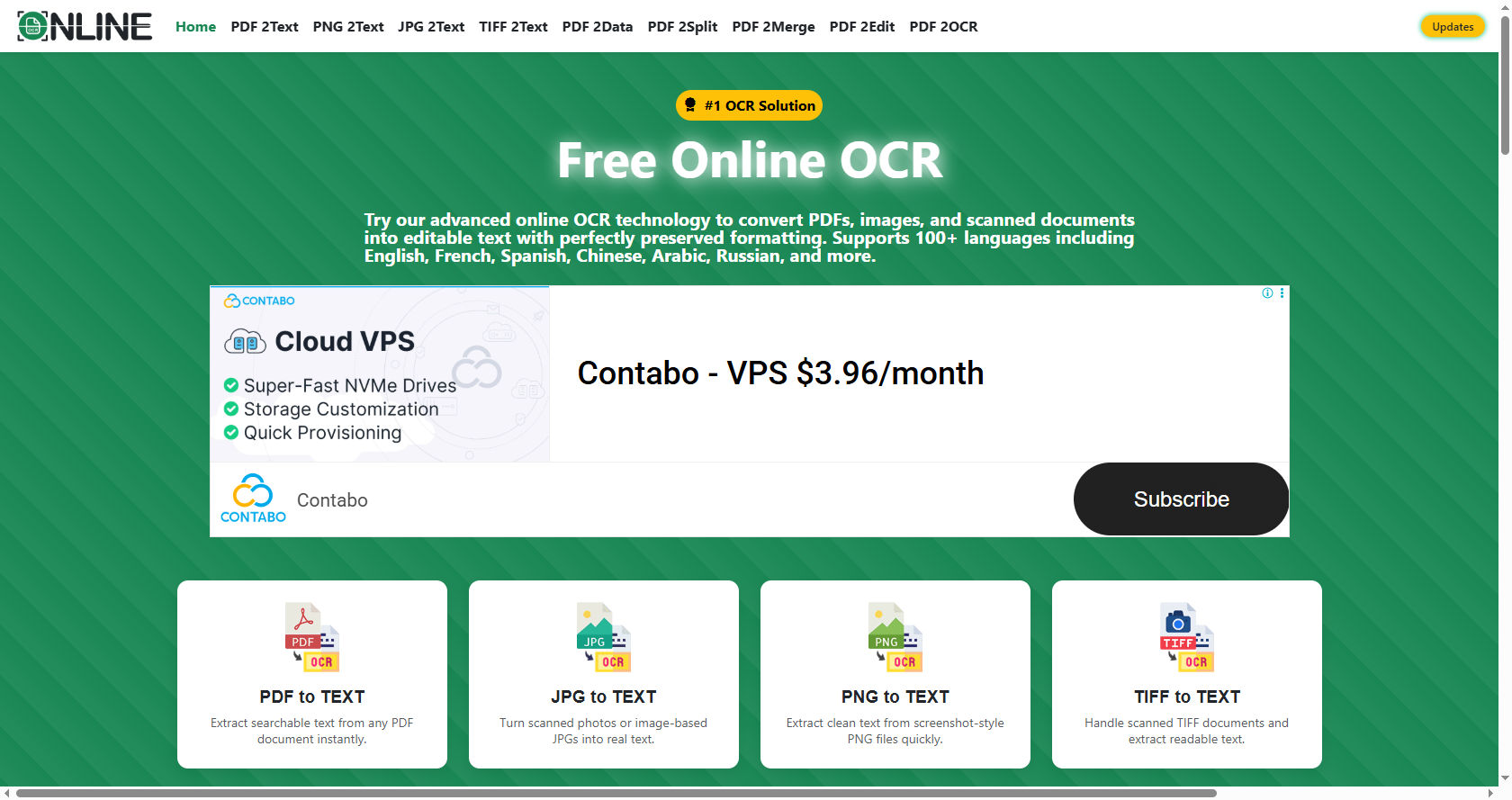
This is where online OCR technology becomes extremely useful.Many people wonder whether free online OCR tools are accurate enough for text extraction. The answer depends on several factors, including image quality, document formatting, language support, and the technology behind the OCR engine.
While free online OCR solutions have improved dramatically over the years, their accuracy can vary from one document to another.For simple documents with clear text, free online OCR tools can achieve impressive results. However, complex layouts, poor-quality scans, handwritten notes, and unusual fonts may reduce accuracy.
Understanding the strengths and limitations of these tools can help users make better decisions when selecting an OCR solution.This comprehensive guide explores how online OCR works, the accuracy levels users can expect, factors affecting performance, advantages and disadvantages of free tools, and practical tips for improving text extraction results.
What Is OCR?
OCR stands for Optical Character Recognition. It is a technology that converts printed or handwritten text from images, scanned documents, and PDFs into machine-readable text.
Instead of manually typing content from a document, OCR software automatically recognizes letters, words, and numbers.
For example, if you scan a textbook page and upload it to an online OCR platform, the software analyzes the image and extracts the text into an editable format such as Word, TXT, or searchable PDF.
OCR technology is widely used in:
- Education
- Business documentation
- Legal records
- Medical records
- Banking
- Government archives
- Research projects
The goal is to transform static documents into editable and searchable digital content.
How Does Online OCR Work?
Understanding how online OCR works helps explain why accuracy levels vary.
Image Analysis
The OCR system first examines the uploaded image or scanned document.
It identifies:
- Text areas
- Lines
- Paragraphs
- Tables
- Symbols
The software separates text from images and background elements.
Character Recognition
The system then analyzes each character individually.
Modern online OCR platforms use:
- Pattern recognition
- Artificial intelligence
- Machine learning
- Neural networks
These technologies compare detected shapes against large databases of known characters.
Text Reconstruction
After recognizing characters, the software reconstructs words, sentences, and paragraphs.
Advanced systems also:
- Correct spelling errors
- Preserve formatting
- Detect columns
- Maintain document structure
Output Generation
The extracted content is converted into editable formats such as:
- TXT
- DOCX
- Excel
- Searchable PDF
The entire process typically takes only a few seconds.
How Accurate Is Free Online OCR?
The accuracy of free online OCR tools depends largely on document quality.
Under ideal conditions, modern OCR systems can achieve accuracy rates between 90% and 99%.
However, actual performance varies significantly.
High Accuracy Situations
Free online OCR generally performs well when documents have:
- Clear printing
- High resolution
- Good contrast
- Standard fonts
- Clean backgrounds
Examples include:
- Printed reports
- Books
- Articles
- Typed letters
- Forms
In these situations, users often experience near-perfect extraction.
Moderate Accuracy Situations
Accuracy decreases when documents contain:
- Slight blurriness
- Uneven lighting
- Minor distortions
- Small font sizes
Some manual correction may be necessary after extraction.
Low Accuracy Situations
Free online OCR may struggle with:
- Handwritten text
- Low-quality scans
- Damaged documents
- Decorative fonts
- Complex layouts
These situations often produce recognition errors that require editing.
Factors That Affect OCR Accuracy
Several important factors influence the effectiveness of online OCR.
Image Quality
Image quality is the most important factor.
A clear image allows OCR software to identify characters more accurately.
Problems include:
- Blur
- Shadows
- Noise
- Compression artifacts
Higher-quality images generally produce better results.
Resolution
OCR performs best when images have sufficient resolution.
Most experts recommend at least:
- 300 DPI for standard documents
- 400–600 DPI for detailed documents
Low-resolution images often lead to recognition errors.
Font Style
Standard fonts are easier to recognize.
Examples include:
- Arial
- Times New Roman
- Calibri
Decorative or artistic fonts may confuse OCR systems.
Language Support
Different OCR tools support different languages.
If the selected language does not match the document language, accuracy can decrease significantly.
Modern online OCR platforms often support dozens of languages.
Document Condition
Old documents may contain:
- Faded ink
- Stains
- Tears
- Wrinkles
These issues make character recognition more difficult.
Layout Complexity
Simple documents are easier to process than complex ones.
Challenges include:
- Multiple columns
- Tables
- Charts
- Mixed text and images
Advanced OCR systems handle these elements better than basic free tools.
Advantages of Free Online OCR
Free online OCR services offer numerous benefits.
No Installation Required
Users can access the software directly through a web browser.
There is no need to install programs or updates.
Cost Savings
One of the biggest advantages is affordability.
Many users can complete occasional OCR tasks without paying for premium software.
Easy to Use
Most platforms provide a simple workflow:
- Upload file
- Start conversion
- Download results
This makes OCR accessible to beginners.
Quick Processing
Modern online OCR services can process documents within seconds.
This saves time compared to manual typing.
Multiple File Formats
Many tools support:
- JPG
- PNG
- TIFF
- BMP
Users can work with a wide range of document types.
Accessibility
Since online OCR operates through the internet, users can access it from almost any device.
Examples include:
- Desktop computers
- Laptops
- Tablets
- Smartphones
Limitations of Free Online OCR
Despite many benefits, free OCR tools have limitations.
File Size Restrictions
Many free platforms limit:
- Upload size
- Number of pages
- Daily usage
Large projects may require premium plans.
Reduced Accuracy
Some free versions use less advanced recognition engines.
This may lead to:
- More errors
- Lower formatting accuracy
- Incomplete extraction
Privacy Concerns
Uploading sensitive documents to online services may create privacy risks.
Users should carefully review privacy policies before uploading confidential information.
Limited Features
Free versions often lack advanced capabilities such as:
- Batch processing
- Table recognition
- Advanced formatting preservation
- Workflow automation
Advertisements
Some free platforms display advertisements that may affect the user experience.
Can Free Online OCR Handle PDFs?
Yes, many online OCR services are designed specifically for PDF files.
Searchable PDF Creation
OCR can convert scanned PDFs into searchable documents.
Users can:
- Search keywords
- Copy text
- Highlight content
Editable Document Conversion
Many tools convert PDFs into:
- Word documents
- Excel spreadsheets
- Text files
Multi-Page Processing
Some free services support multi-page PDFs, although page limits often apply.
Accuracy depends on the quality of the original scan.
How Well Does Online OCR Handle Handwriting?
Handwriting recognition remains one of the biggest challenges in OCR technology.
Printed Text vs Handwriting
Printed text follows consistent patterns.
Handwriting varies significantly between individuals.
As a result:
- Printed text often achieves 95–99% accuracy.
- Handwritten text may produce much lower accuracy.
Modern AI Improvements
Artificial intelligence has improved handwriting recognition considerably.
Some advanced online OCR systems can recognize:
- Neat handwriting
- Block letters
- Structured forms
However, cursive writing remains difficult.
Factors Influencing Handwriting Accuracy
Results improve when:
- Writing is neat
- Ink is dark
- Lines are straight
- Images are high quality
Messy handwriting reduces recognition performance.
Common OCR Errors
Even high-quality OCR systems make mistakes.
Character Substitution
OCR may confuse similar-looking characters.
Examples include:
- O and 0
- I and l
- S and 5
- B and 8
Missing Characters
Some letters may disappear entirely during extraction.
Incorrect Spacing
Words may merge together or split incorrectly.
Formatting Issues
Paragraphs, tables, and lists may lose their original structure.
Language Errors
OCR systems may incorrectly identify words when multiple languages appear in a document.
Tips to Improve OCR Accuracy
Users can take several steps to improve online OCR results.
Use High-Quality Scans
Clear scans produce the best recognition accuracy.
Avoid:
- Blur
- Shadows
- Crooked pages
Increase Resolution
Scanning documents at 300 DPI or higher often improves results significantly.
Choose the Correct Language
Always select the document language before processing.
Language matching helps OCR engines identify words correctly.
Crop Unnecessary Areas
Removing borders and irrelevant elements helps the software focus on the text.
Improve Contrast
Black text on a white background usually produces the best results.
Straighten Documents
Skewed pages can confuse OCR engines.
Align documents properly before uploading.
Proofread the Output
Even highly accurate online OCR systems may produce occasional errors.
Always review extracted text before using it professionally.
Online OCR vs Manual Data Entry
Many organizations compare OCR with manual typing.
Speed
OCR is dramatically faster.
A document that takes hours to type manually can be processed in seconds.
Cost
OCR reduces labor costs by automating text extraction.
Accuracy
Humans can achieve very high accuracy through careful proofreading.
However, modern online OCR often provides comparable results for standard documents.
Scalability
OCR handles large document volumes more efficiently than manual entry.
This makes it valuable for businesses processing thousands of files.
Industries That Benefit from Online OCR
Many industries rely on OCR technology.
Education
Students use online OCR to digitize:
- Notes
- Books
- Research materials
Healthcare
Medical facilities digitize:
- Patient records
- Prescriptions
- Reports
Banking
Banks process:
- Checks
- Forms
- Financial records
Legal Services
Law firms convert:
- Contracts
- Court documents
- Case files
Government
Government agencies digitize archives and public records.
Business
Companies use OCR for:
- Invoices
- Receipts
- Employee records
- Reports
AI and the Future of OCR
Artificial intelligence is transforming OCR technology.
Machine Learning Improvements
AI systems continuously learn from new data.
This allows OCR engines to improve recognition accuracy over time.
Better Layout Detection
Future online OCR tools will better understand:
- Tables
- Charts
- Forms
- Multi-column documents
Enhanced Handwriting Recognition
AI models are becoming increasingly capable of understanding handwritten content.
Real-Time OCR
Mobile applications already offer real-time OCR through smartphone cameras.
Future systems will provide even faster and more accurate processing.
Multilingual Recognition
Advanced OCR engines increasingly support simultaneous recognition of multiple languages within a single document.
When Is Free Online OCR Good Enough?
Free online OCR is often sufficient for:
- School assignments
- Research projects
- Personal documents
- Simple business files
- Occasional conversions
Users can achieve excellent results without paying for premium software.
For everyday text extraction, many free tools provide reliable performance.
When Should You Consider Paid OCR Solutions?
Paid solutions may be worth considering when:
- Processing large document volumes
- Handling sensitive information
- Requiring maximum accuracy
- Working with complex layouts
- Using advanced automation
Professional organizations often benefit from premium OCR features.
However, many users find that free online OCR meets their needs.
Best Practices for Reliable Text Extraction
To maximize success with online OCR, follow these best practices:
Prepare Documents Carefully
Ensure documents are:
- Clean
- Flat
- Properly scanned
Verify Output
Always review extracted text for mistakes.
Maintain Original Files
Keep original scans for reference.
Test Multiple Tools
Different OCR engines perform better on different document types.
Comparing results can improve accuracy.
Use Consistent Formats
Standardized document formats often produce better OCR performance.
Conclusion
Free online OCR tools have become remarkably effective for text extraction. Thanks to advances in artificial intelligence, machine learning, and image processing, many modern OCR platforms can achieve accuracy levels exceeding 95% when working with clear, high-quality documents. For students, professionals, researchers, and businesses, these tools offer a fast and cost-effective way to convert scanned documents, images, and PDFs into editable text.
However, OCR accuracy is not guaranteed in every situation. Factors such as image quality, document condition, handwriting, font style, and layout complexity can significantly affect performance. While free online OCR services work exceptionally well for standard printed documents, they may struggle with handwritten notes, damaged files, or complex formatting.
The good news is that users can improve results by scanning documents at high resolution, ensuring proper lighting and contrast, selecting the correct language, and carefully reviewing extracted text. By following these best practices, free online OCR tools can become powerful productivity solutions that save time and reduce manual data entry.
As artificial intelligence continues to evolve, the future of online OCR looks even more promising. Improved handwriting recognition, better multilingual support, and enhanced document understanding will likely make OCR technology more accurate and accessible than ever before. For most everyday text extraction needs, free online OCR already provides an efficient, practical, and highly valuable solution.